


News & Blogs

How to Choose the Best OBD Scanner for Your Car?

Choosing the best Obd Scanner is not simply about buying the device with the longest feature list. A reliable choice begins with your car’s age, engine type, diagnostic protocol, and repair needs. A basic scanner may read engine fault codes, while a professional model can access ABS, airbag, transmission, and live-data systems. Compatibility matters more than a bright screen.

Picture a warning light appearing before a long commute. A dependable scanner can show the trouble code, freeze-frame data, battery voltage, and sensor readings within minutes. However, a code is not a final diagnosis. It points toward a problem, but testing, repair knowledge, and manufacturer service information remain essential. An experienced technician will compare scanner data with symptoms, wiring checks, and maintenance history.

Look for clear code definitions, stable software, regular updates, and support for your vehicle’s communication protocol. Consider whether the device works with hybrid systems, diesel engines, or newer models. App-based scanners also deserve careful attention. Check Bluetooth reliability, data privacy, subscription fees, and update policies before purchasing. Small details matter.

Do not trust every claim.

Some scanners promise dealer-level access but offer limited coverage. Others display impressive graphs while providing weak technical guidance. Personal experience can reveal practical issues, such as a loose connector, slow application, or unreadable screen in sunlight. Independent reviews, manufacturer documentation, and verified user feedback provide stronger evidence than advertisements. The right Obd Scanner should help identify problems safely, explain data clearly, and support informed repair decisions without pretending to replace qualified professional judgment.
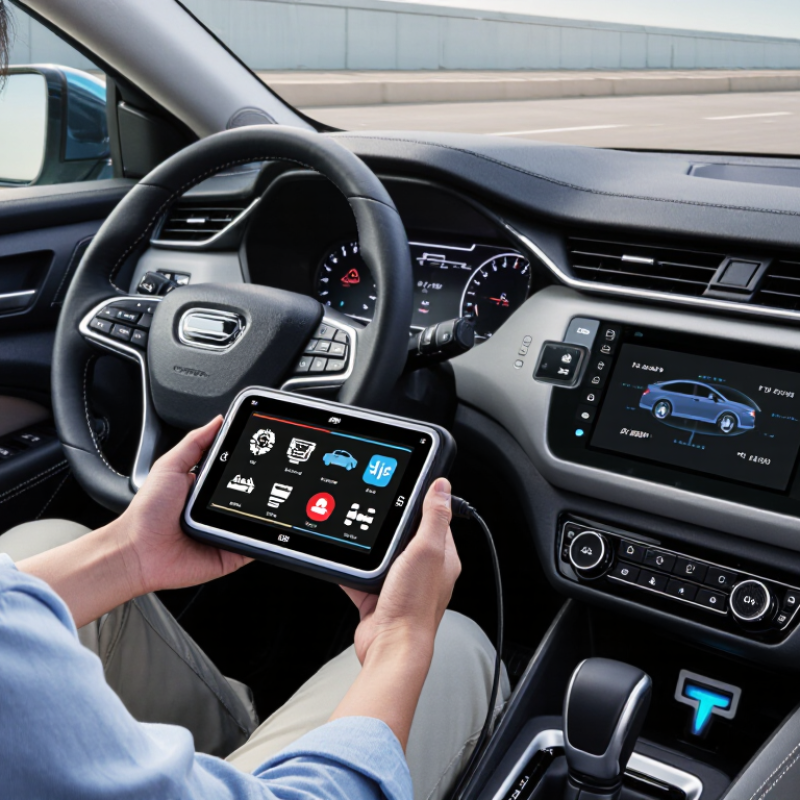
How to Choose the Best OBD Scanner for Your Car?

Understanding OBD Scanners and Their Main Functions

How to Choose the Best OBD Scanner for Your Car?

Understanding OBD Scanners and Their Main Functions

An OBD scanner connects to the diagnostic socket beneath your dashboard. It reads information from your car’s onboard computer. Basic models retrieve trouble codes linked to the engine and emissions system. Some also display live data, such as coolant temperature, engine speed, fuel readings, and oxygen sensor activity. These figures can reveal problems before warning symptoms become obvious. Live data matters.

Many scanners show freeze-frame data, which records conditions when a fault appeared. They may also check readiness monitors before an emissions inspection. However, a stored code identifies a system, not always a failed part. Replacing components without testing can waste money. I once trusted a single code too quickly, and the real issue was a damaged connector. That mistake still influences how I diagnose vehicles.

When choosing a scanner, check its compatibility with your vehicle’s model year and communication protocols. More advanced tools may access transmission, airbag, or brake modules, but coverage varies widely. Confirm these functions before purchase. Useful features include clear instructions, readable screens, software updates, and reliable code definitions. Wireless models can be convenient, yet connection stability and phone permissions deserve attention. Never clear a code simply to hide a warning. Record it first, inspect the vehicle safely, and consult the service manual or a qualified technician when the data remains uncertain.

Checking Your Car’s Compatibility and Diagnostic Needs

How to Choose the Best OBD Scanner for Your Car?

Compatibility comes before screen size or advertised functions. In the United States, the Environmental Protection Agency requires OBD systems on most light-duty vehicles built from 1996 onward. However, a 16-pin connector does not guarantee complete access. Check the vehicle’s model year, engine, fuel type, and regional market. European vehicles may follow EOBD requirements, with different implementation dates for gasoline and diesel models. The owner’s manual remains useful, although it can be frustratingly vague.

Know what you need to diagnose. A basic scanner may read and clear engine fault codes, while a more advanced tool can inspect ABS, airbags, transmission, live data, and readiness monitors. SAE J1979 defines standardized diagnostic services, but manufacturers can add proprietary functions. That distinction matters when the dashboard shows an airbag warning, not merely a check-engine light. Look for protocol support, software update access, freeze-frame data, and clear code descriptions. Test the port under the dashboard, preferably with the ignition on but the engine stopped.

Cost matters, too. AAA’s 2023 Your Driving Costs study estimated maintenance and repair expenses at 9.83 cents per mile. A suitable scanner may reduce unnecessary part replacement, but it cannot replace mechanical testing. I have seen a code blamed on a sensor when a damaged wire caused the problem. Codes are clues, not verdicts. Confirm compatibility through official vehicle data, and accept that some functions may remain unavailable.

Comparing Scanner Types, Features, and Ease of Use

Choosing the best OBD scanner starts with understanding scanner types. A basic code reader suits drivers who only need engine fault codes. It can show a number beside a warning light. A handheld diagnostic scanner usually accesses several systems, including transmission, airbags, and braking controls. Wireless scanners connect to a phone, making graphs and reports easier to save. However, connection quality can vary in a busy garage.

Features should match your actual repair needs. Look for live data, freeze-frame records, battery voltage, and clear fault-code explanations. Live data can reveal a weak oxygen sensor while the engine runs. Freeze-frame information shows the conditions present when the fault appeared. Advanced models may perform active tests, such as commanding a cooling fan. This function is useful, but it requires technical knowledge and careful interpretation. A long feature list is not automatically valuable. I once trusted a simple code too quickly. That was a mistake.

Ease of use matters during a stressful roadside check. A bright screen helps in sunlight, while physical buttons work well with oily hands. Menus should identify vehicle systems without forcing repeated searches. App-based tools offer convenient updates, but permissions and connection steps may frustrate less technical users. Check vehicle coverage by model year, engine, and system before buying. Reliable scanners also explain limitations instead of promising perfect diagnoses. A code points toward a problem; it rarely proves the failed part. Keep the vehicle manual nearby, record the original readings, and verify repairs with another scan.

How to Choose the Best OBD Scanner for Your Car?

Comparing scanner types, diagnostic features, and ease of use

The chart uses a practical 1–5 comparison scale based on the typical capabilities of each scanner category. Basic code readers are simple and affordable, while professional diagnostic tablets generally provide broader system coverage, live data, coding, and active-test functions. Wireless mobile scanners are convenient for everyday checks, but their capabilities depend on the software and vehicle coverage available.

Evaluating Accuracy, Updates, Connectivity, and Price

How to Choose the Best OBD Scanner for Your Car?

Accuracy should guide your decision. In my workshop experience, cheap scanners sometimes display vague or incomplete fault information. A reliable scanner should read diagnostic trouble codes, freeze-frame data, and live sensor values. Compare its readings with the vehicle’s service manual or a trusted repair database. I once trusted a single code too quickly. That assumption caused an unnecessary parts replacement.

Software updates matter because vehicle systems change over time. Check how often updates are released and whether the subscription cost is clear. An outdated scanner may miss newer codes or provide poor explanations. Connectivity also affects daily use. A wired model usually offers stable communication, while Bluetooth or Wi-Fi provides easier access from a phone. However, wireless connections can drop in a busy workshop. Test pairing, response speed, and data logging before paying extra.

Tips: Choose accuracy over flashy screens. Confirm compatibility with your car’s model year. Check whether updates cover the systems you need. Compare the full price, including cables, software, and future fees. A low purchase price may become expensive later. Keep a printed repair reference nearby. It helps when the app wording feels uncertain.

Selecting the Right OBD Scanner for Your Driving Requirements

How to Choose the Best OBD Scanner for Your Car?

Selecting the right OBD scanner starts with your driving requirements, not the longest feature list. A daily commuter may only need engine fault codes, emissions readiness, and battery voltage. If you maintain an older vehicle, compatibility matters more. S&P Global Mobility reported that the average U.S. vehicle age reached 12.6 years in 2024. Therefore, check support for your car’s model year, communication protocol, and engine system before buying.

For routine warning-light checks, choose a scanner with clear code definitions, freeze-frame data, and live sensor readings. The U.S. Environmental Protection Agency explains that OBD systems monitor emissions-related components and identify malfunctions. That makes emissions coverage essential, but it does not guarantee access to ABS, airbag, transmission, or body-control systems. You may need enhanced diagnostics for those systems. Read the coverage list carefully.

Think about where you drive and how you work. A compact wireless scanner suits roadside checks, while a larger screen helps in a garage with oily hands. Look for regular software updates, strong vehicle coverage, and secure data handling. Cheap hardware can become expensive.

I once focused too much on advanced functions. That was a mistake. Many drivers never use them. A scanner should match your confidence, repair habits, and budget. Professional technicians may need bidirectional tests and service resets. Casual owners may prefer simple guidance and reliable reports. No scanner is perfect. Always verify important findings with service information or a qualified technician.

Article Source: