
 عربي
عربي عربي
عربيNews & Blogs
How to Choose the Best Laser Machine for Your Business
Choosing a Laser Machine can shape your production speed, product quality, and daily operating costs. The best option depends on what your business actually makes, not simply on the highest power rating or lowest advertised price. A small sign shop cutting thin wood has different needs from a workshop marking metal parts or producing detailed acrylic pieces.
Start with the materials, dimensions, and workload you expect to handle. Check the machine’s compatible materials, working area, cutting or engraving speed, software, ventilation needs, and maintenance requirements. Ask suppliers for clear specifications and practical demonstrations, and confirm what training, warranty support, and replacement parts are available. Details matter. A large work area may be useful, but it can also mean a bigger footprint and higher costs. More power is not automatically better for every task.
This guide will help you compare machine types and match their features to your production goals and budget. It will also highlight questions worth asking before you buy, including how reliably a machine handles your actual materials. Published specifications cannot tell the whole story. Some performance comparisons remain approximate because results vary with material, settings, and operator experience. That uncertainty deserves attention. If possible, test sample work before committing, and consider the time needed to learn safe operation. A careful choice may take longer, but it can prevent expensive mismatches later.
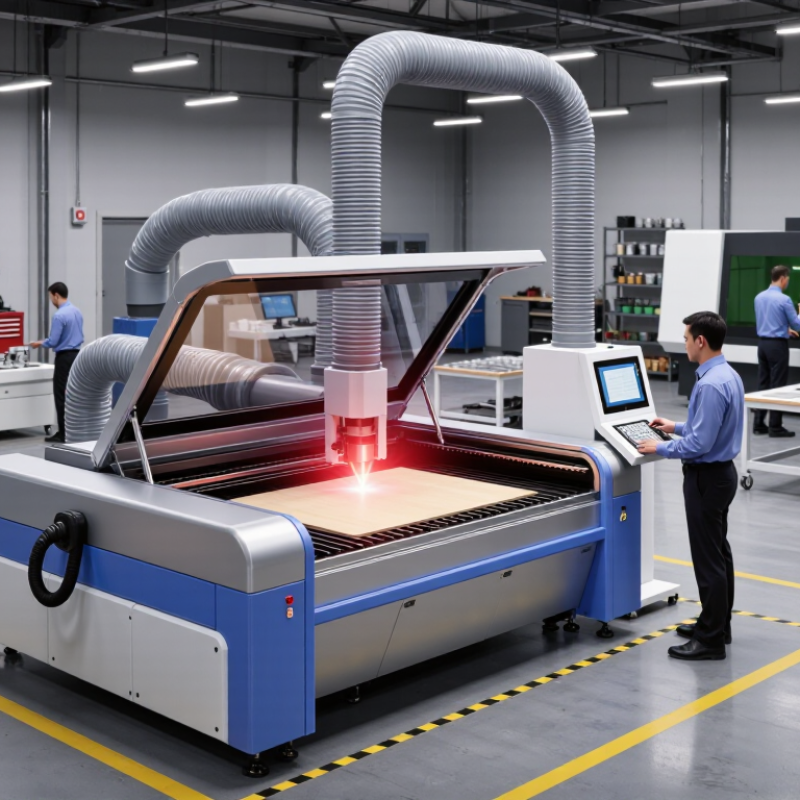
Define Your Materials, Maximum Thickness, and Required Throughput
Choose a machine around the materials you actually process, not the materials you might use someday. List each material, including its coating, finish, and typical sheet size. Two sheets with the same label can cut differently. A reflective surface or adhesive layer may change the result, so test representative offcuts before deciding. A test cut matters.
Set your maximum thickness from real jobs, then check whether the machine can cut it cleanly and repeatedly. A stated capacity does not always mean a production-ready edge at that thickness. Consider kerf, heat effects, assist gas requirements, and the time needed for slower cuts. Leave some capacity in reserve if thicker work is likely, but avoid paying for a capability that sits unused. The right margin depends on your workload.
Throughput is more than cutting speed. Include loading, unloading, file setup, part removal, and routine cleaning in your estimate. Time a typical job from sheet placement to the next sheet, not just the laser’s movement. A machine that cuts quickly may still create a bottleneck if its bed is too small or jobs need frequent manual handling. The first estimate may be optimistic. Ask for a timed demonstration with your own file and material, and note both edge quality and repeatability.
How to Choose the Best Laser Machine for Your Business - Define Your Materials, Maximum Thickness, and Required Throughput
Use this comparison as a starting point. Cutting capacity and production speed depend on laser power, material grade, assist gas, optics, machine condition, and the required edge quality.
| Laser machine and example power | Suitable materials | Indicative practical thickness | Typical throughput | Best fit and considerations |
|---|---|---|---|---|
| Fiber laser, 3 kW | Mild steel, stainless steel, aluminum, brass, and copper | About 20 mm mild steel; 12 mm stainless steel; 10 mm aluminum | High for thin-to-medium sheet; lower near maximum thickness | A versatile choice for metal-fabrication work. Gas selection and edge-quality requirements affect achievable speed and thickness. |
| Fiber laser, 6 kW | Mild steel, stainless steel, aluminum, brass, and copper | About 25 mm mild steel; up to around 20 mm stainless steel or aluminum, depending on setup | Very high on thin and medium sheet; better capacity for thicker sections than lower-power systems | Consider when metal orders are frequent and production volume justifies the higher equipment and operating investment. |
| CO₂ laser, 150 W | Acrylic, wood, plywood, paper, leather, and selected plastics | Around 20 mm acrylic and 10–15 mm wood are common working ranges; material composition matters | Moderate to high for signage, décor, and parts cut from thin non-metal sheets | Well suited to non-metal fabrication. Verify that plastics are laser-safe; PVC and unknown plastics can release hazardous fumes. |
| CO₂ laser, 1 kW | Mild steel and non-metals such as acrylic and wood, subject to machine configuration | Up to about 10 mm mild steel in suitable conditions; non-metal limits vary by material and optics | Moderate for metal cutting; often less efficient than fiber systems for comparable sheet-metal work | May suit shops with established CO₂ processes or mixed-material needs. Confirm the intended metal thickness with cutting trials. |
| Blue diode laser, 10–20 W optical output | Wood, opaque acrylic, paper, leather, and some coated or anodized surfaces | Typically a few millimeters of wood per pass, depending on density and setup; not intended for thick production cutting | Low for cutting; suitable for smaller jobs, prototyping, and engraving | Lower initial-cost option for light-duty work. Blue diode lasers generally do not cut clear acrylic effectively and are not a practical choice for cutting bare metal. |
| Fiber marking laser, 20–50 W | Metal marking and engraving; some coated plastics, depending on wavelength and material | Designed primarily for surface marking, not through-cutting sheet material | High for repeatable part marking; cutting throughput is not applicable | Choose for serial numbers, logos, and traceability rather than profile cutting. Enclosure and fume controls should match the application. |
Planning tip: Base your selection on the thickest material you regularly process and the number of finished parts required per shift. Request a sample cut using your actual material before purchasing; maximum advertised thickness is not necessarily a practical production thickness.